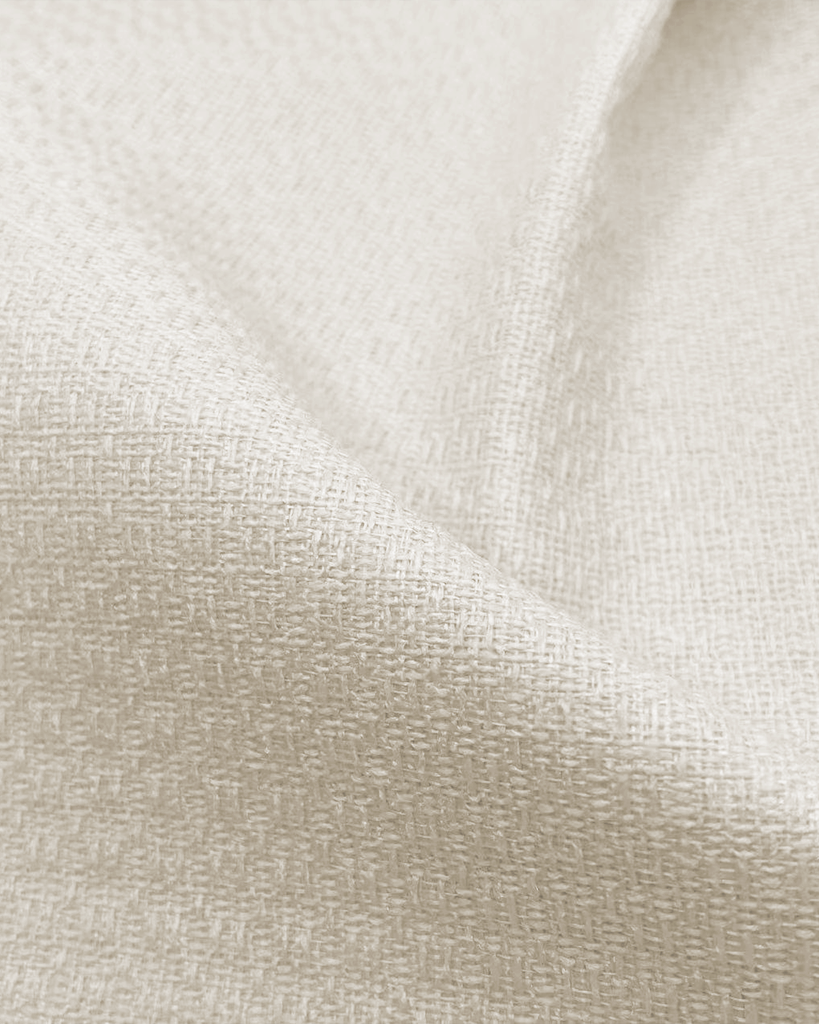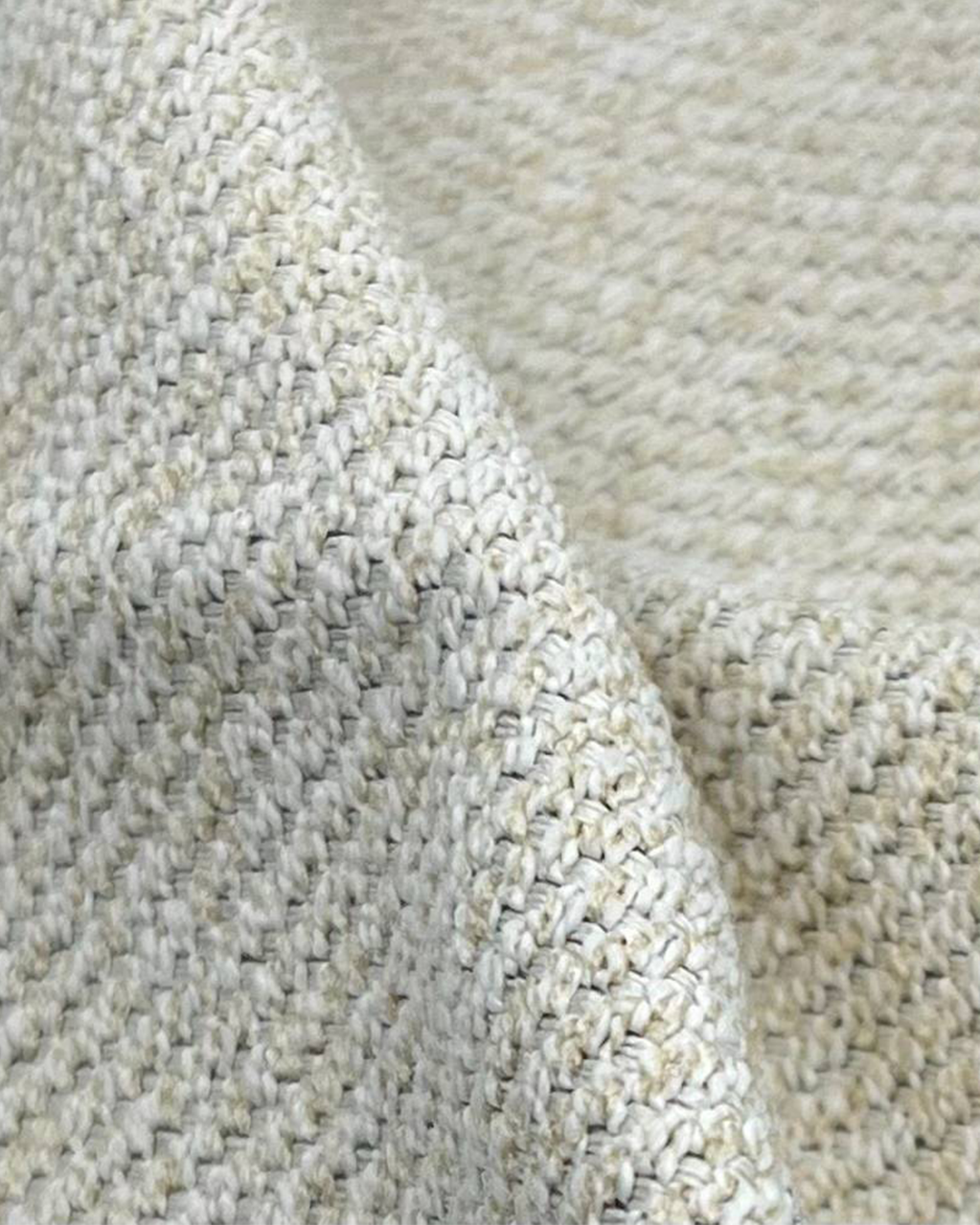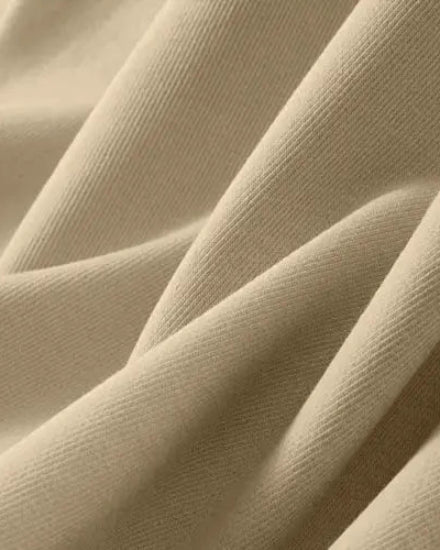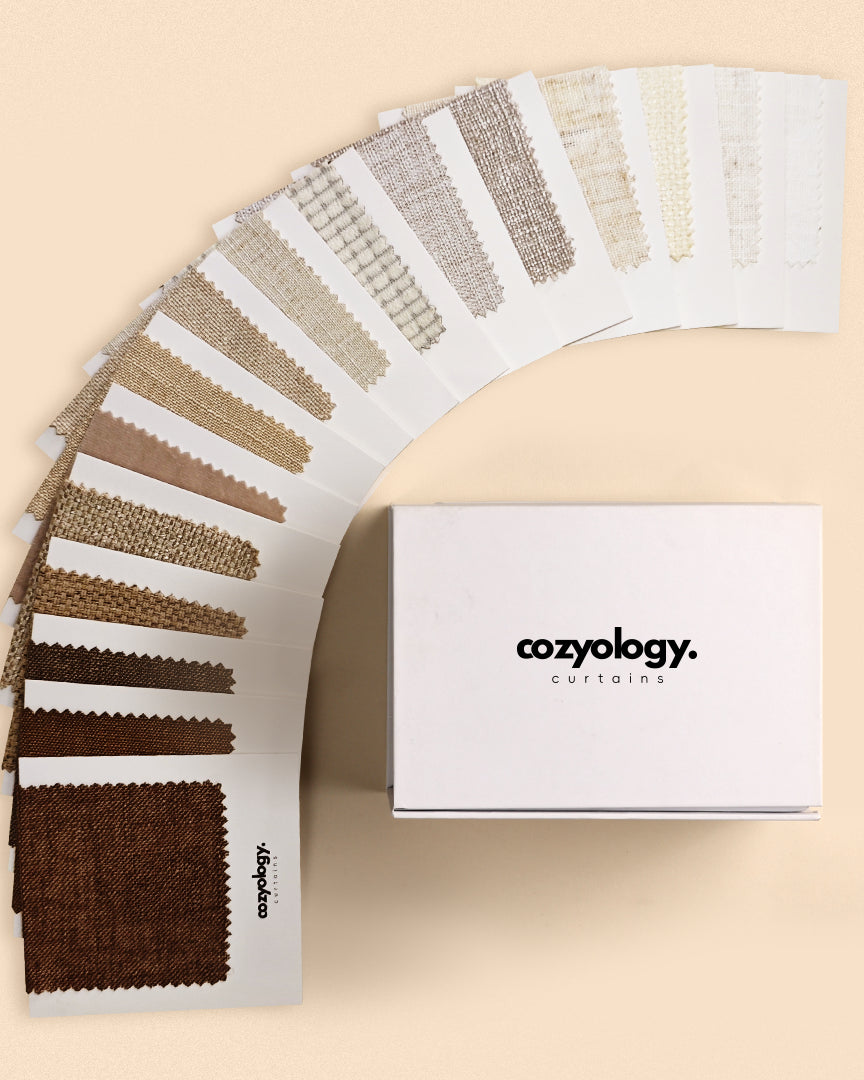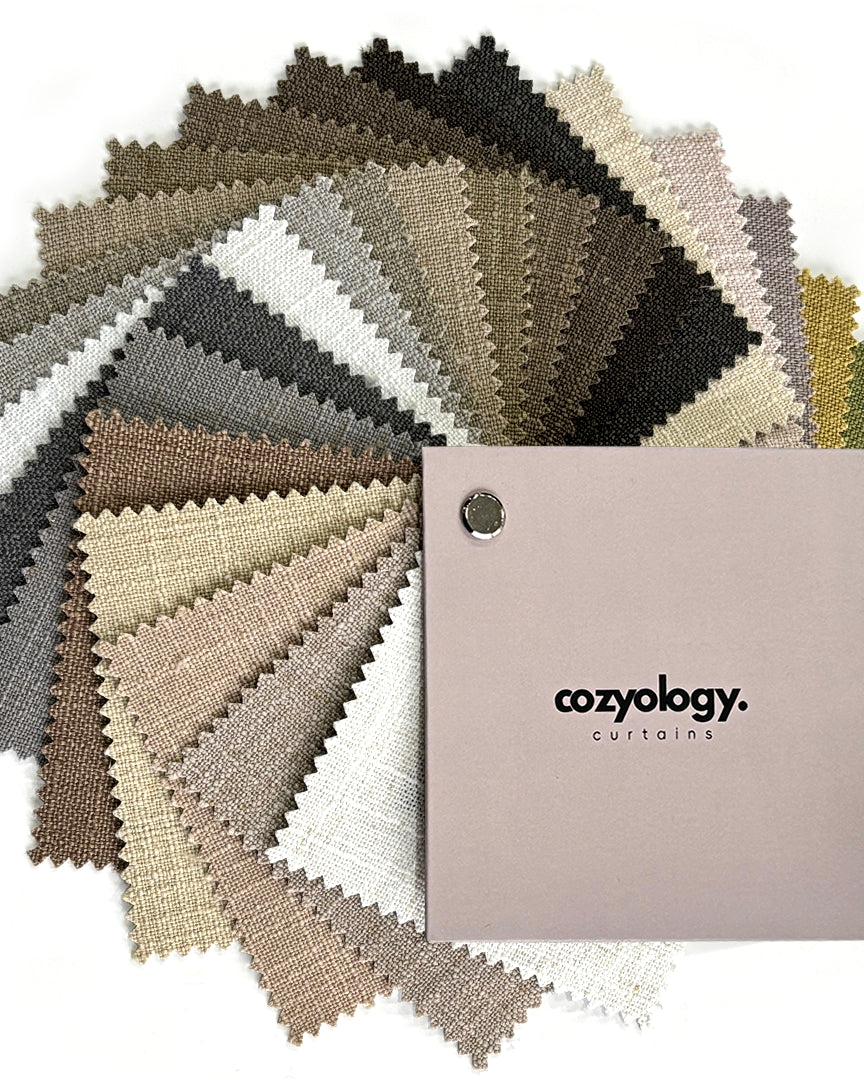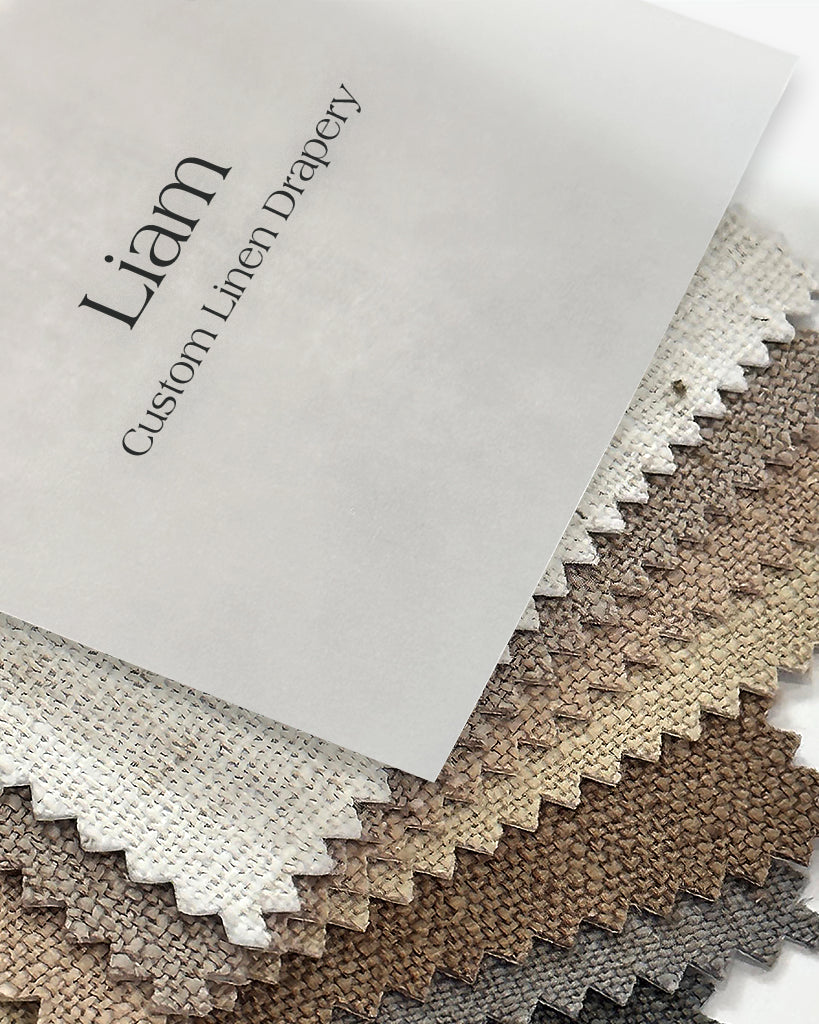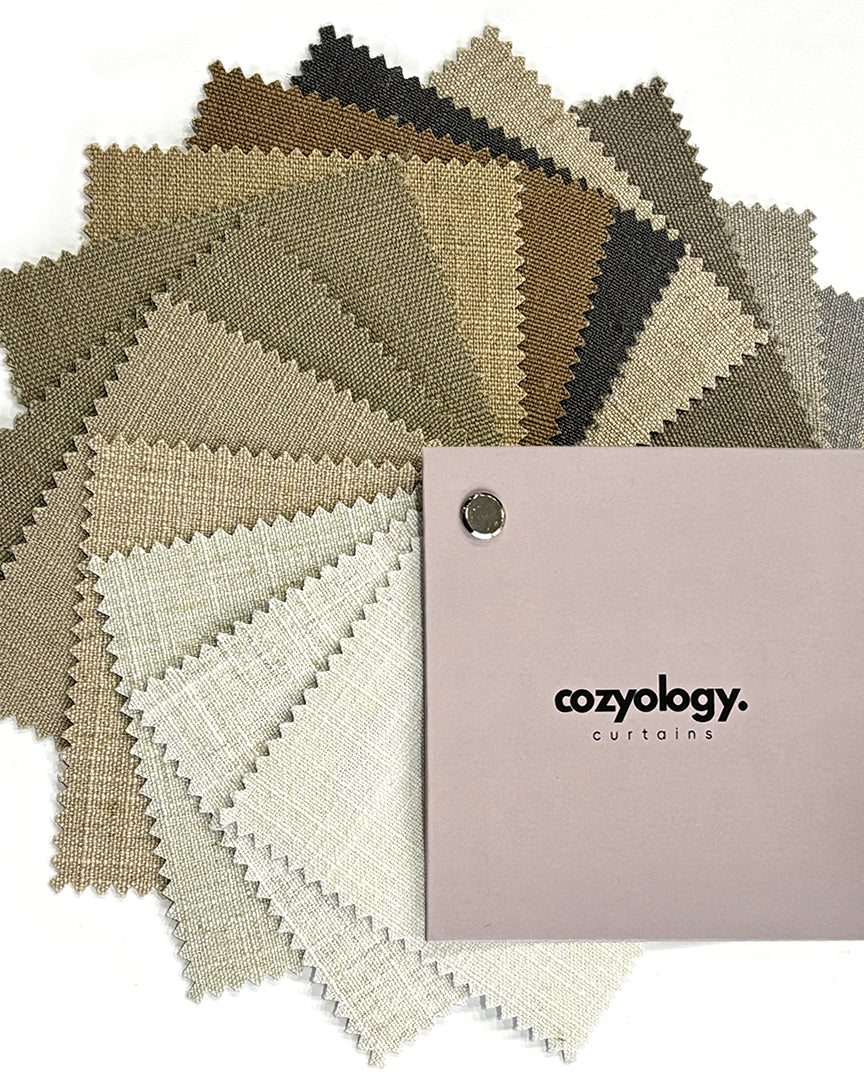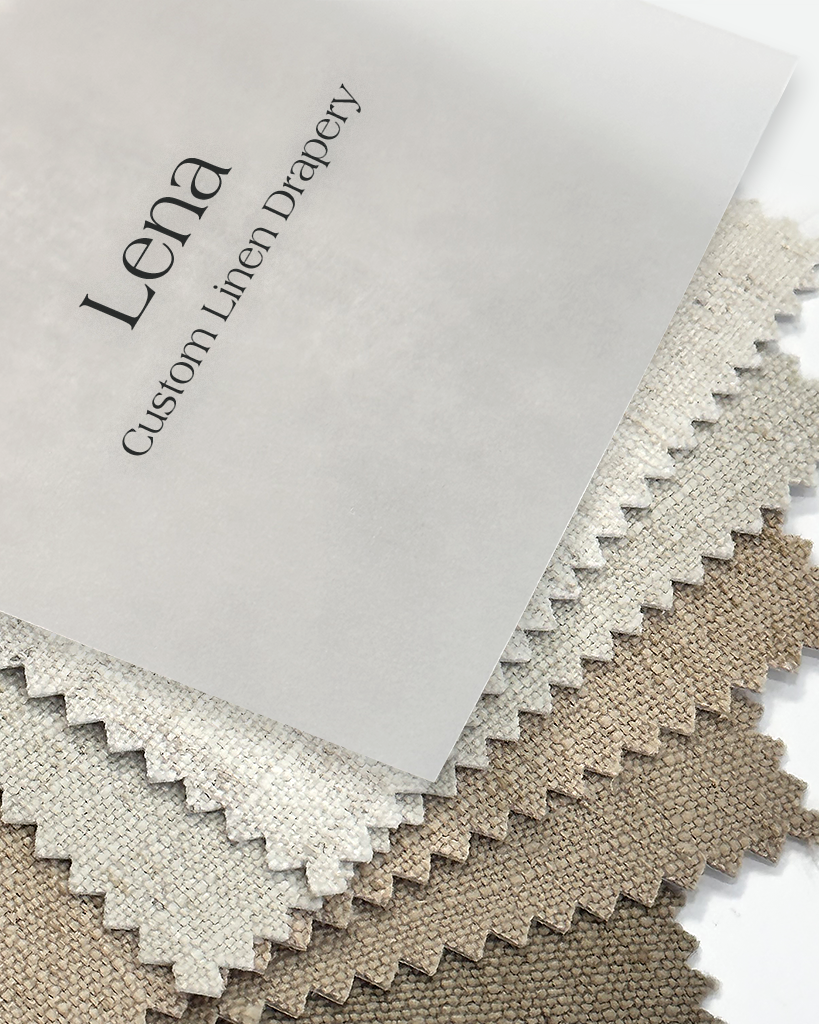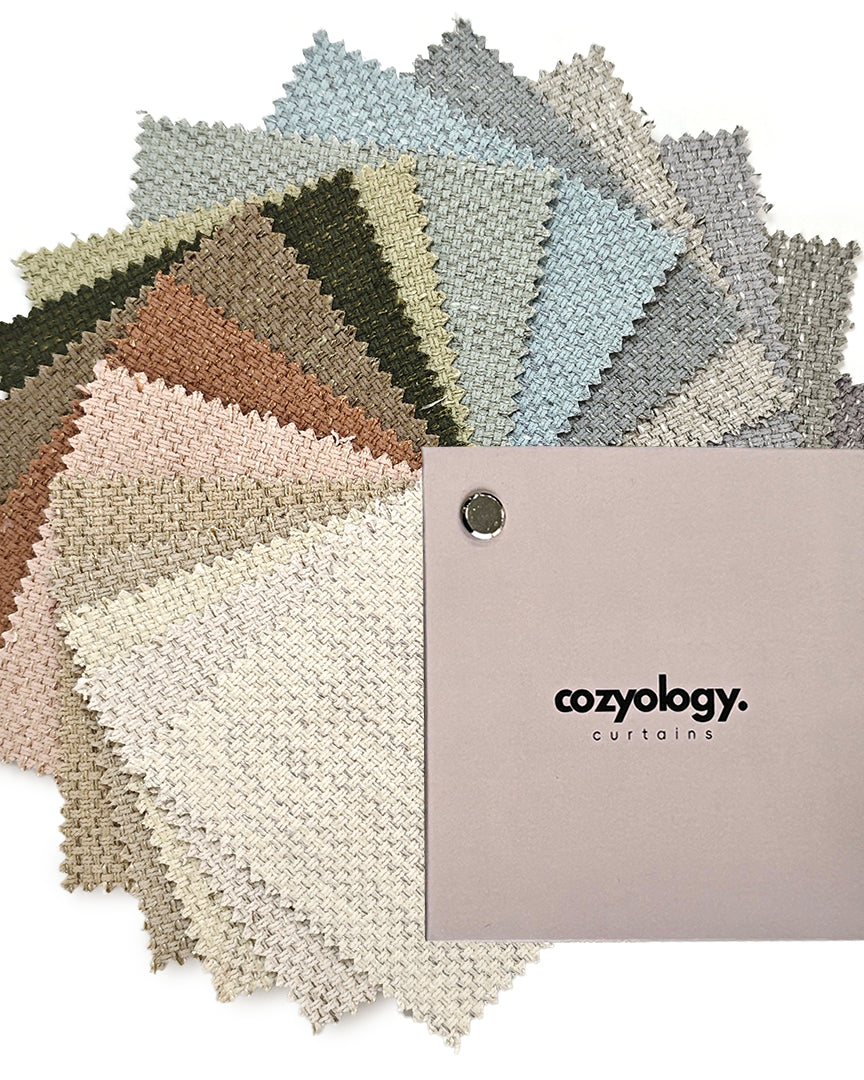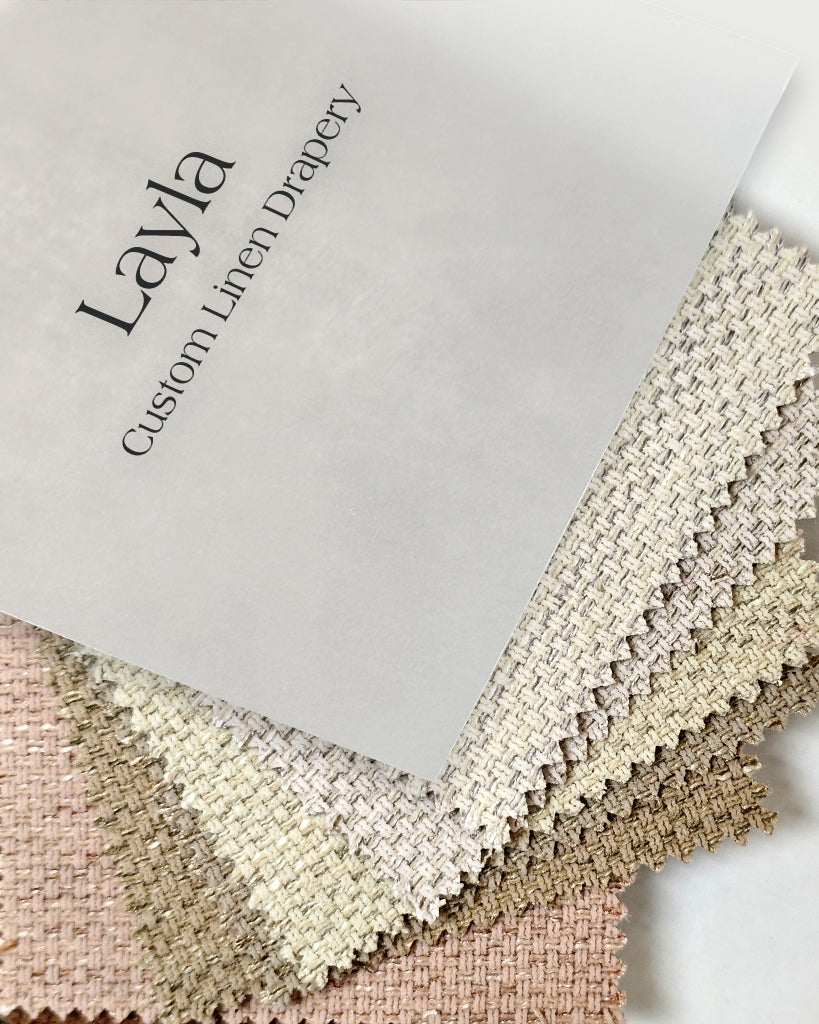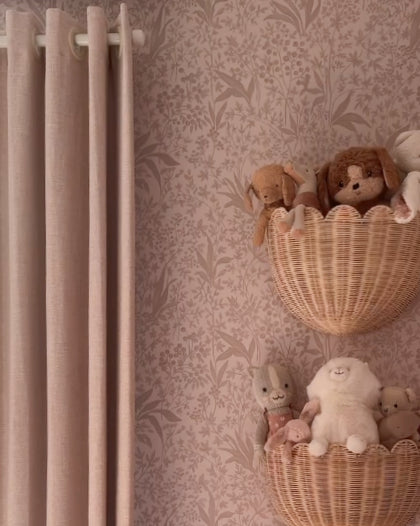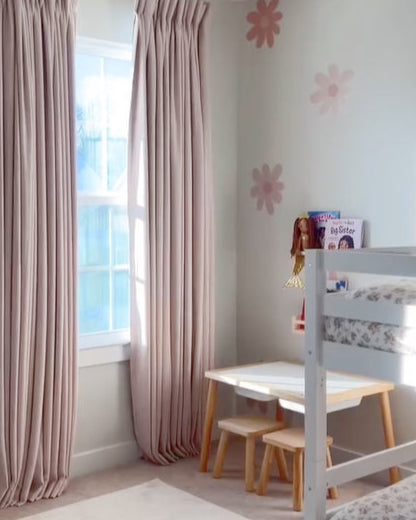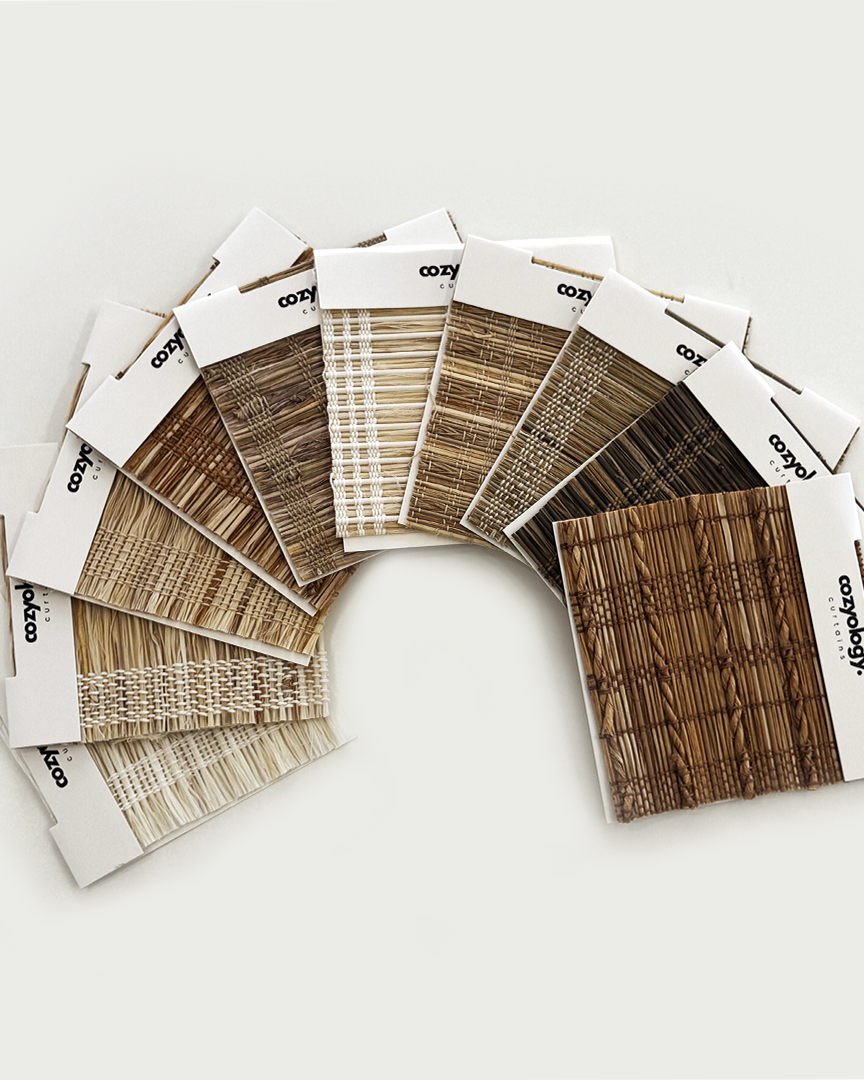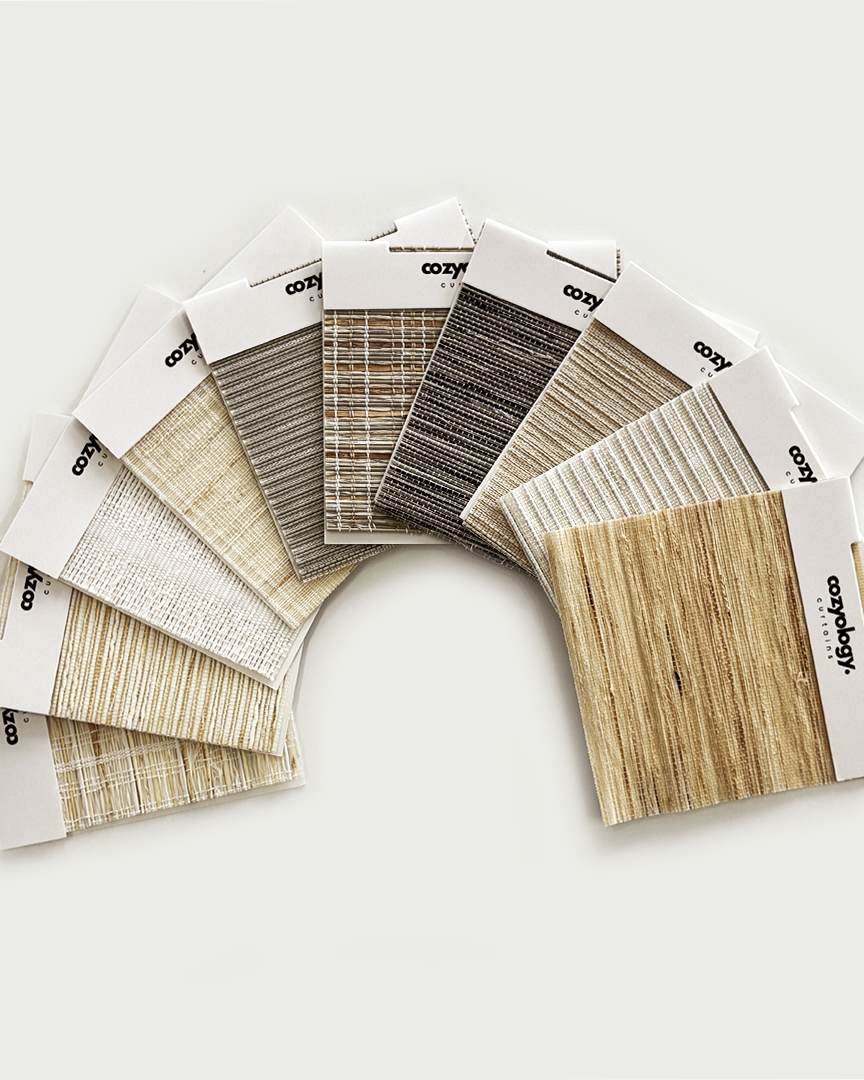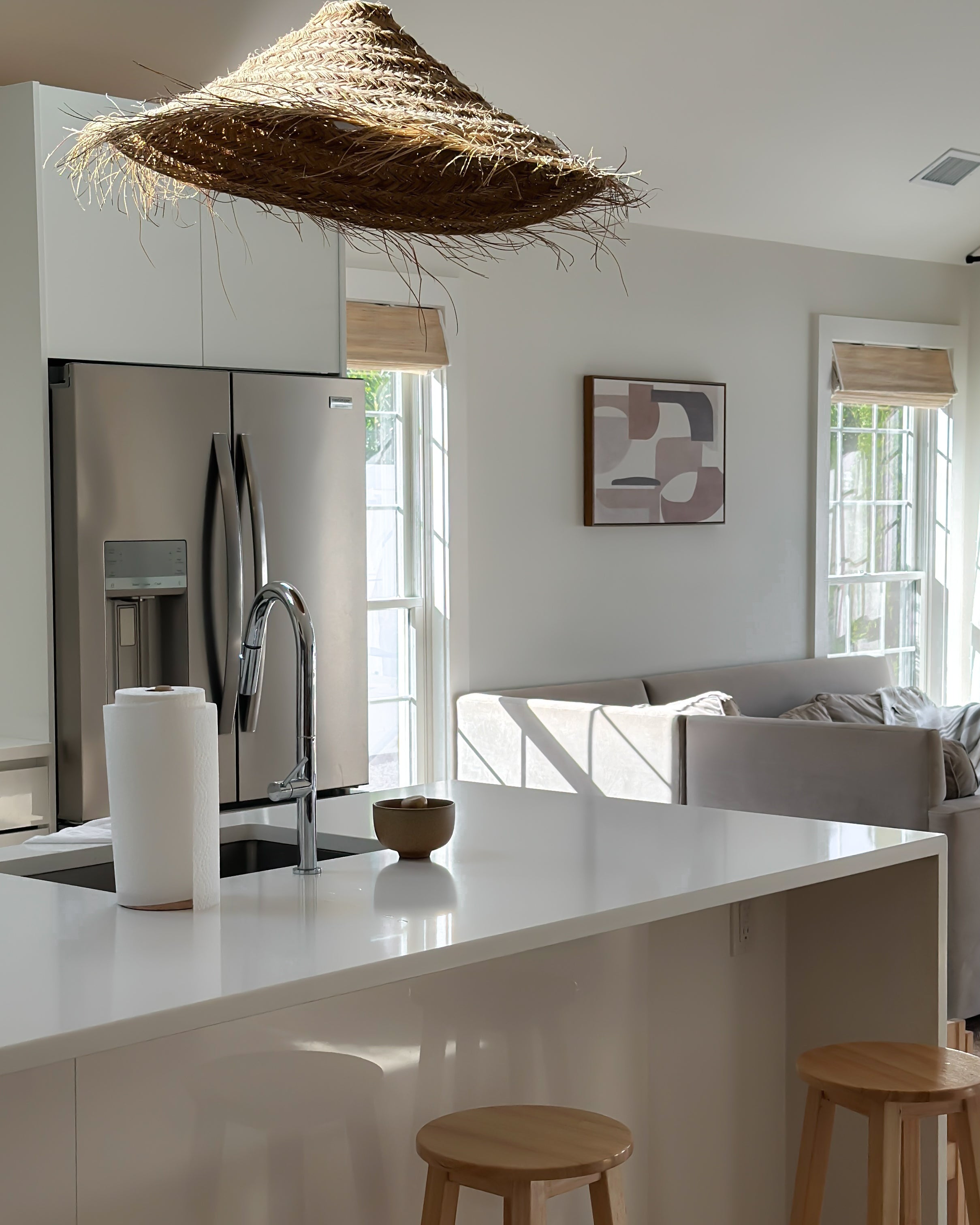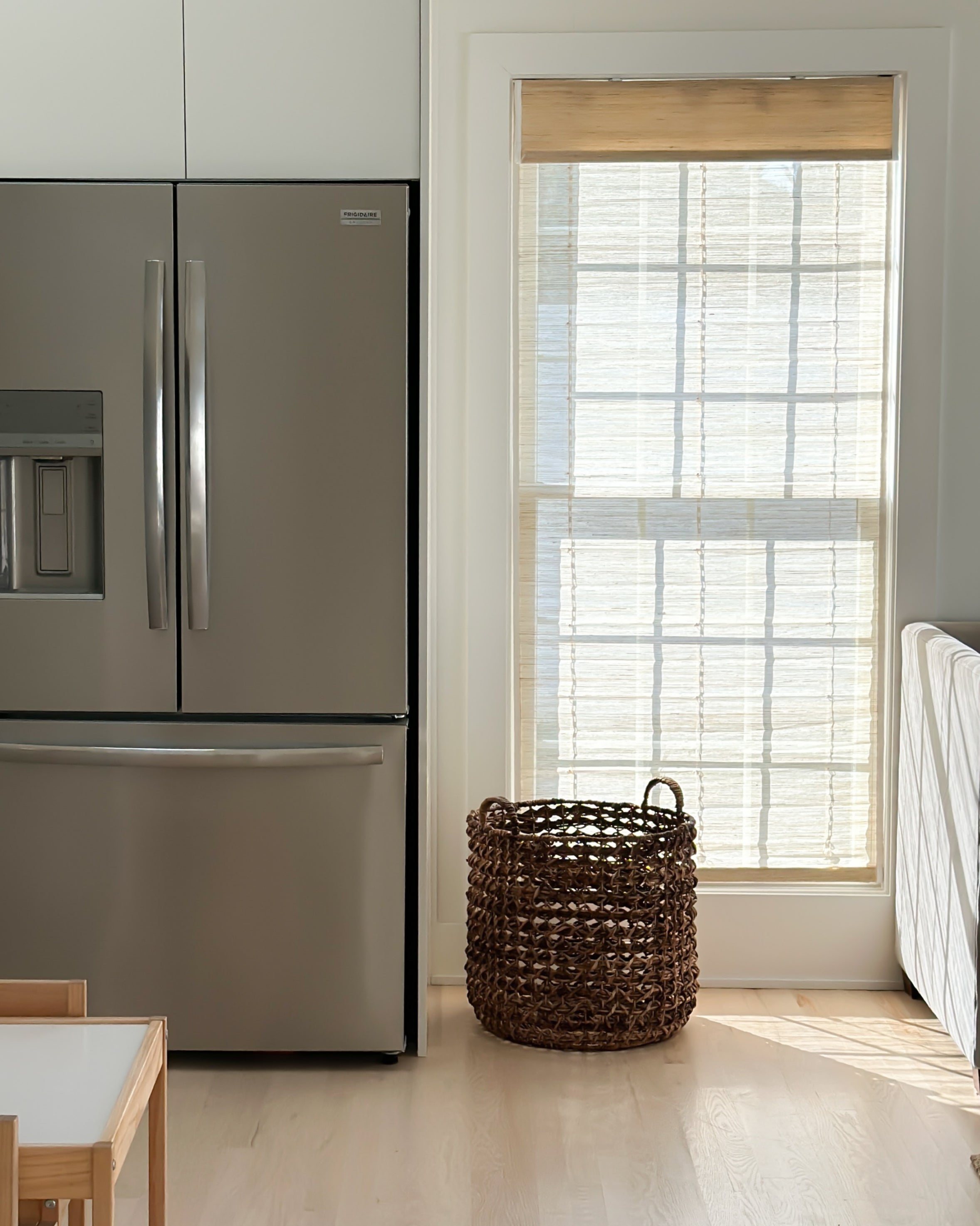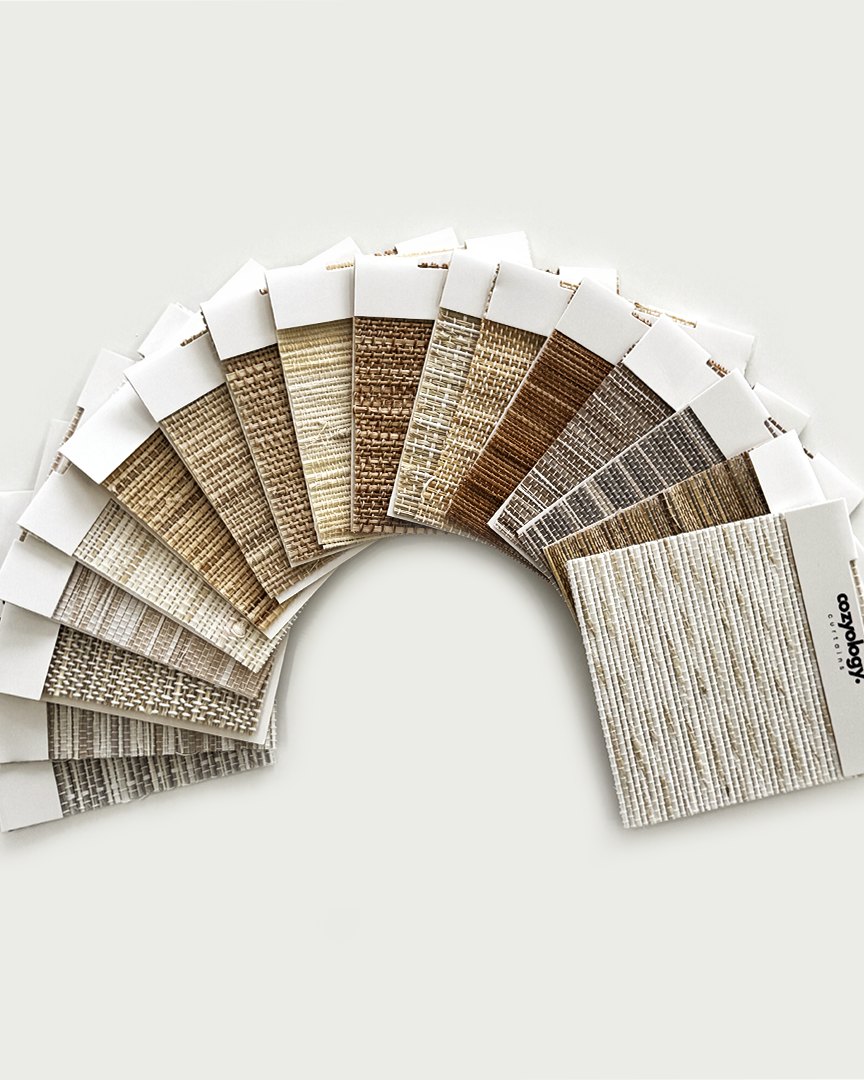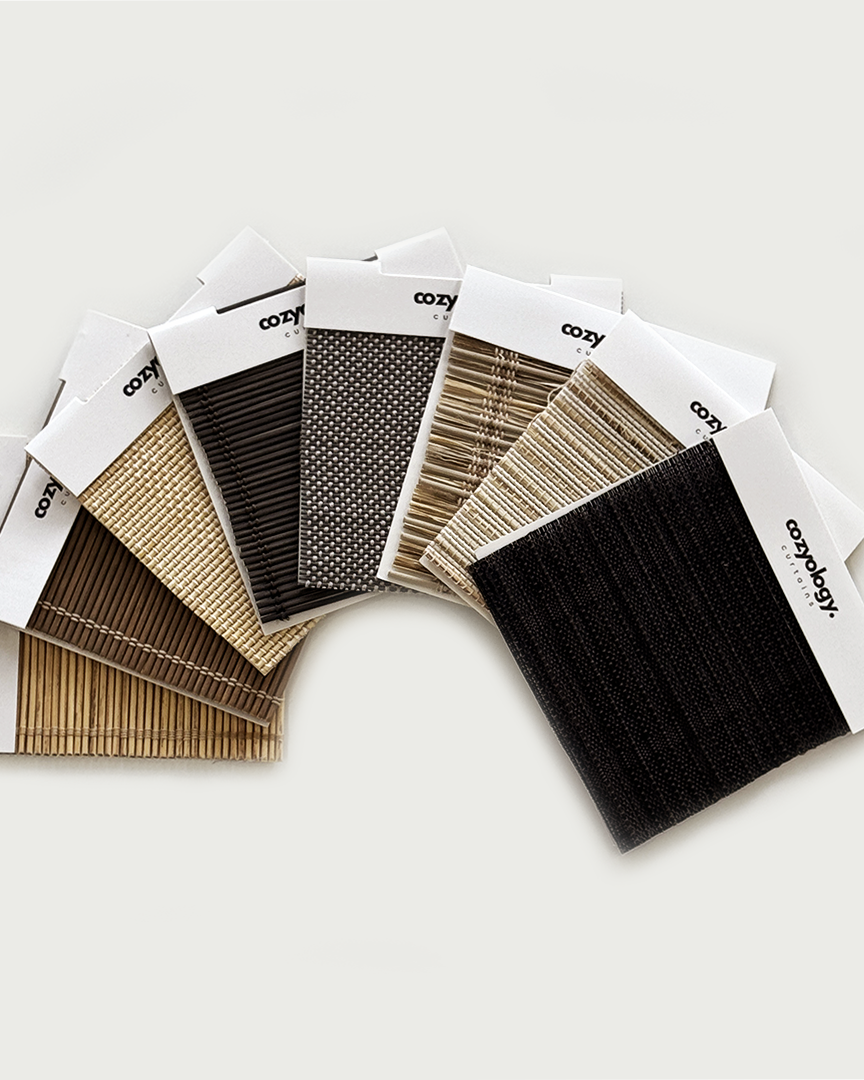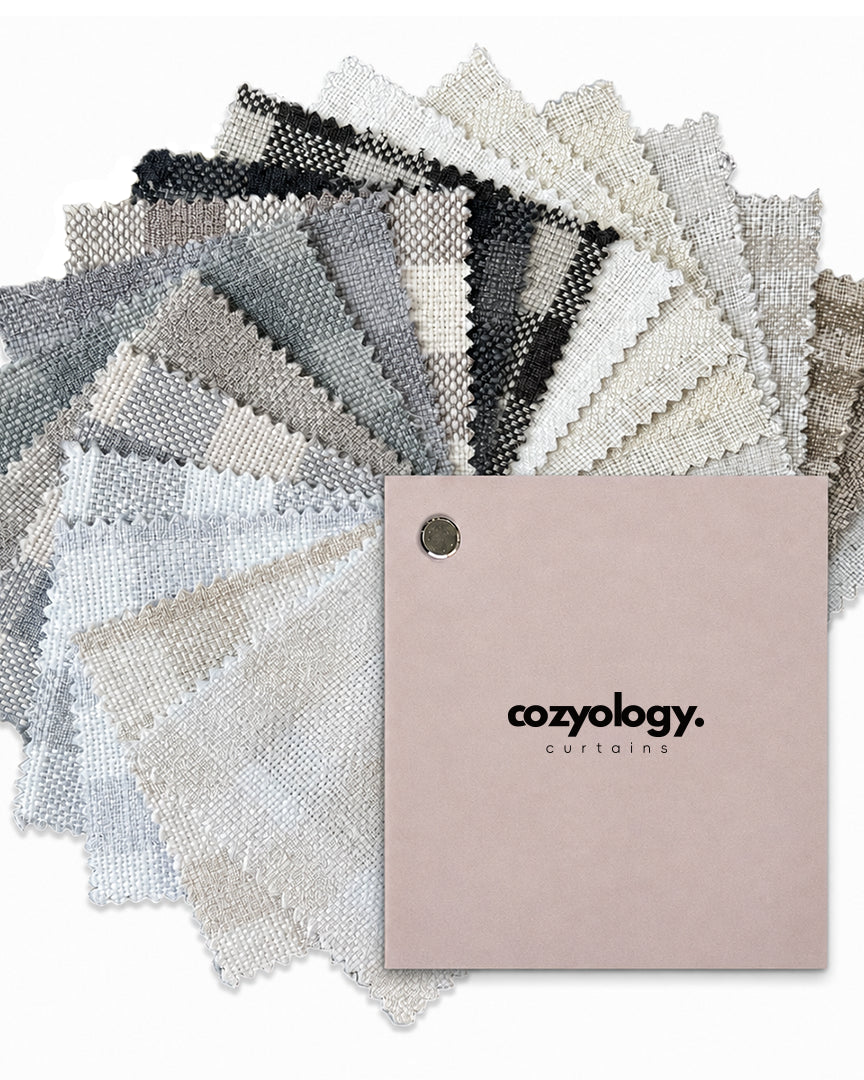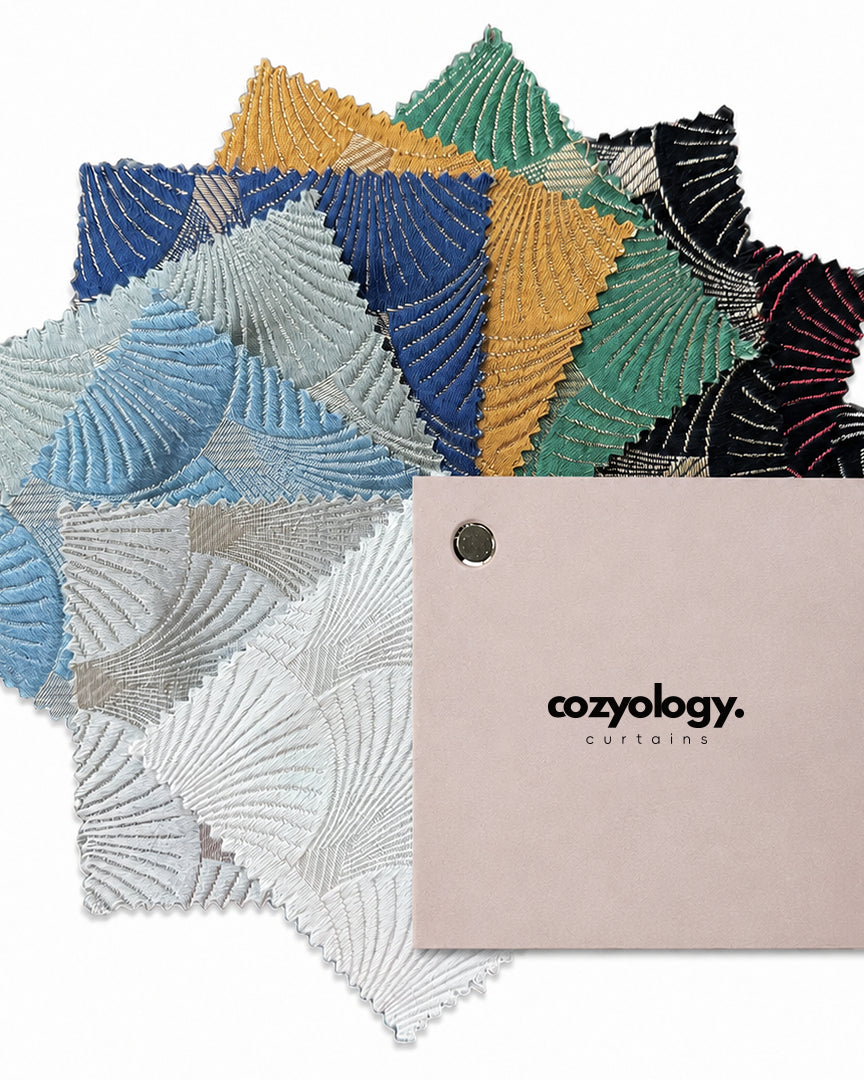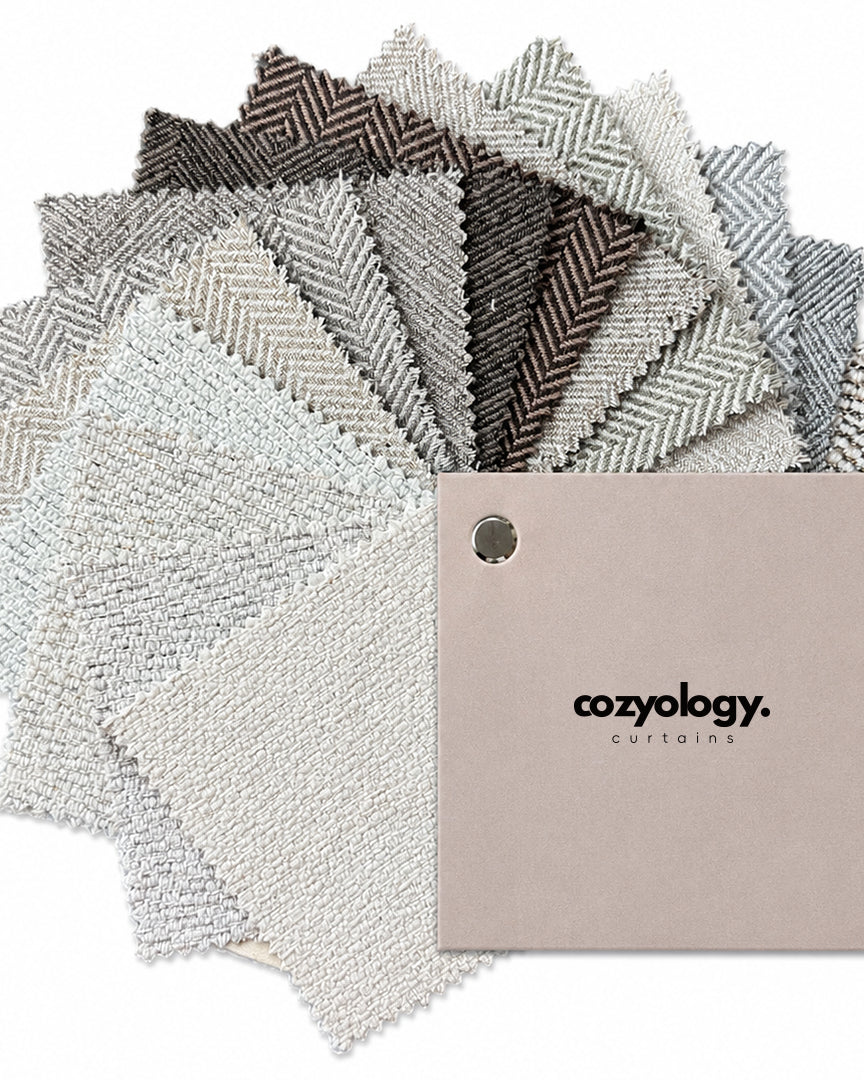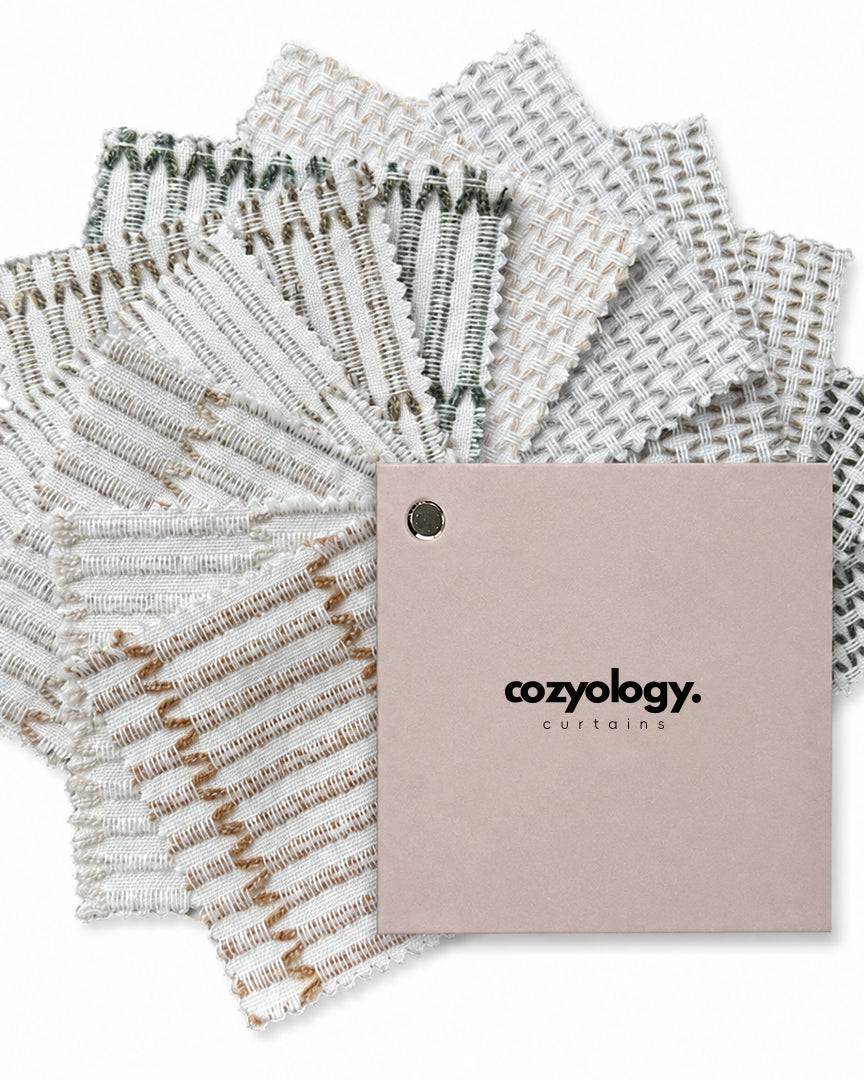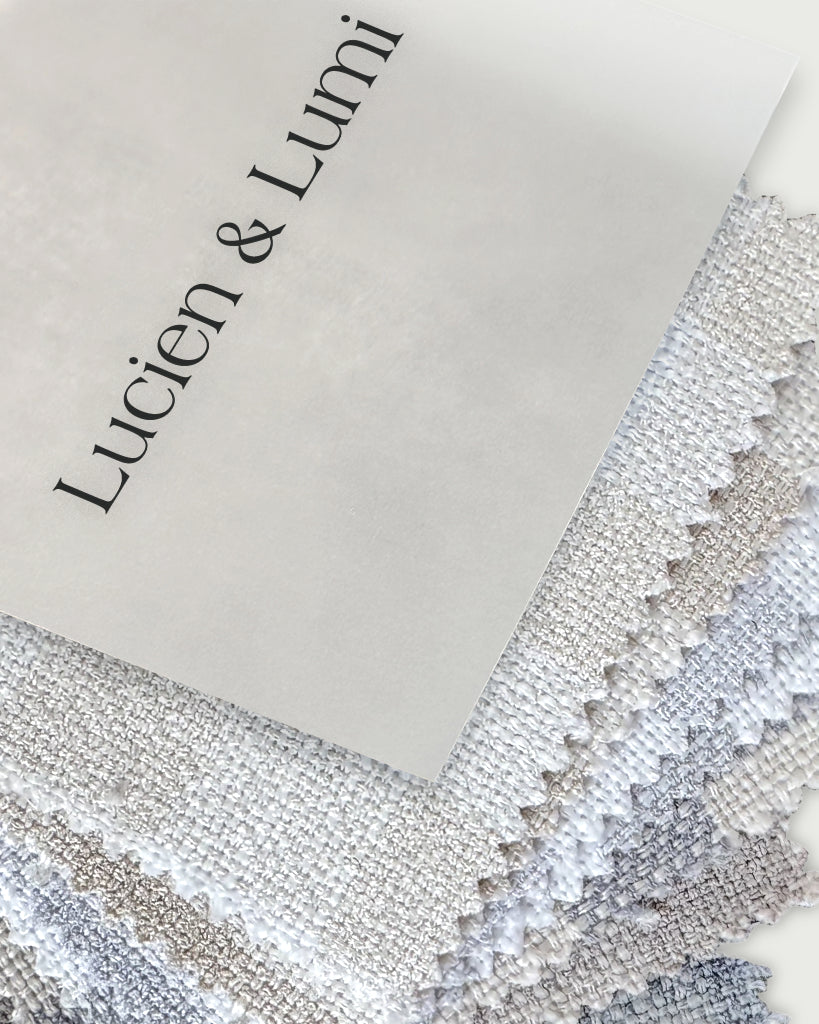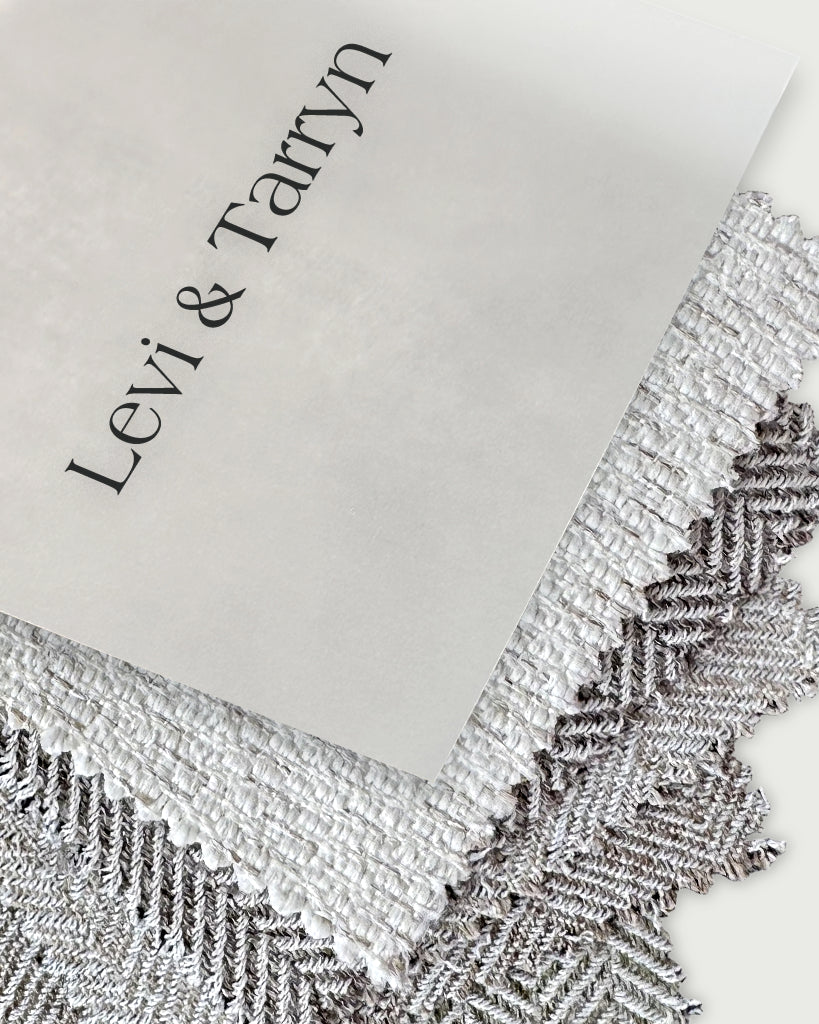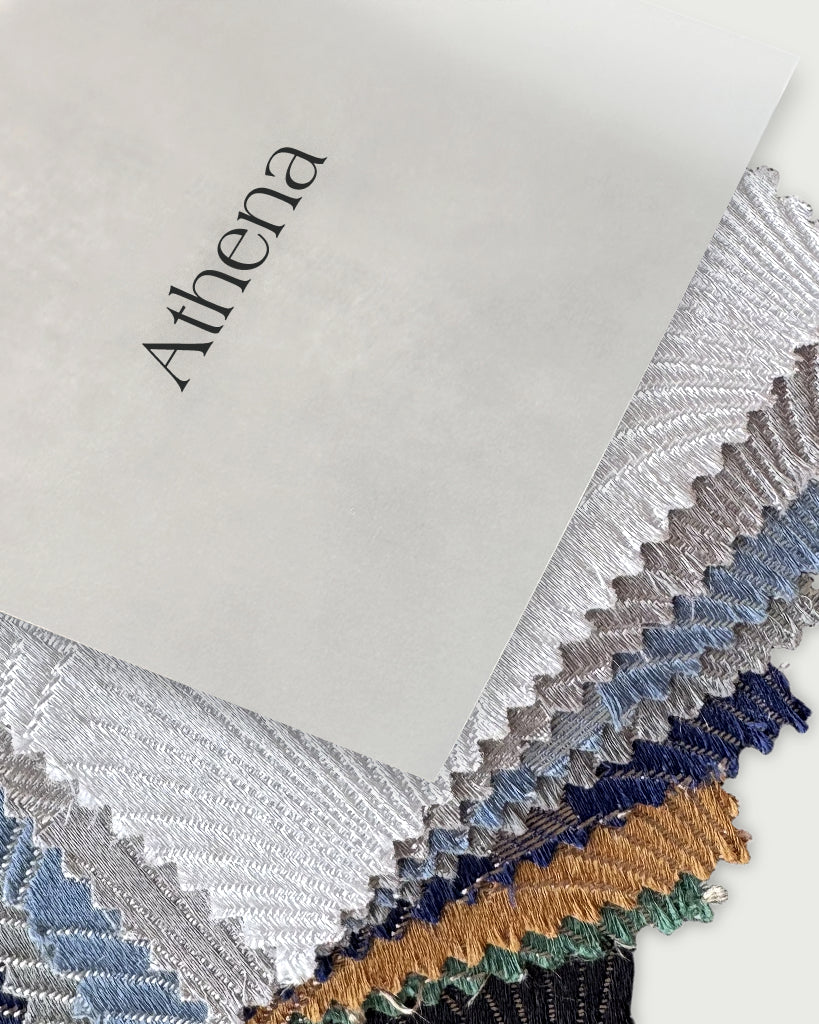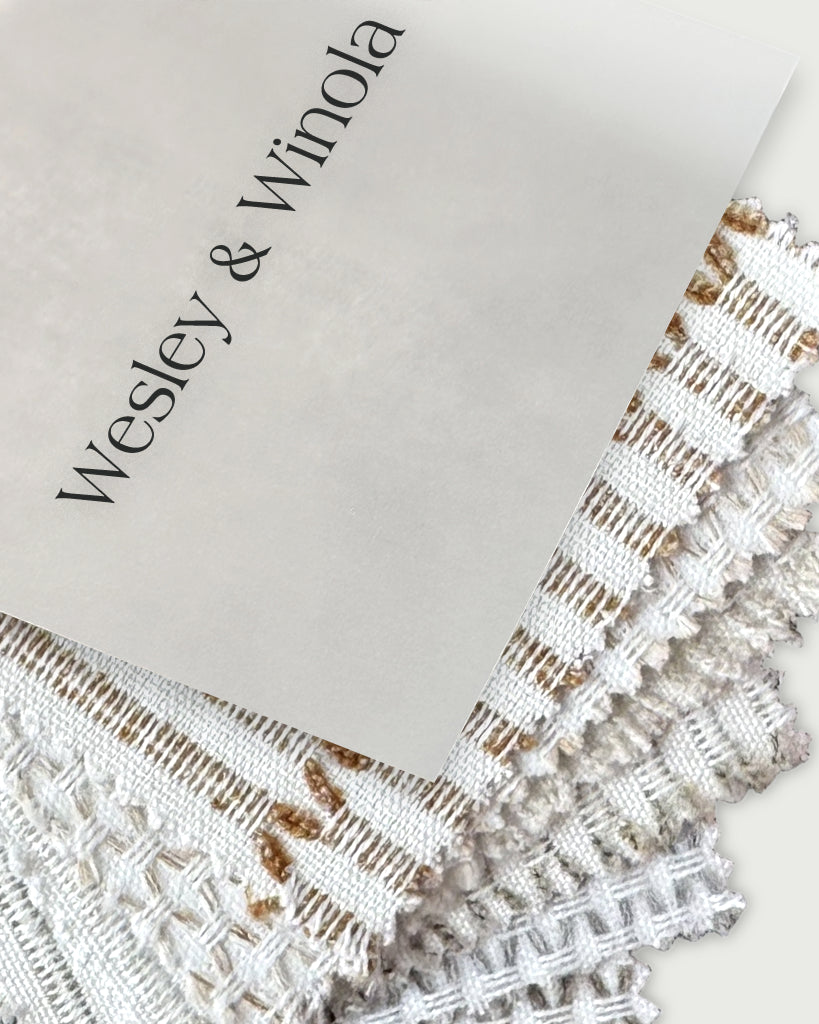






 Motorized Roman ShadesMatterSee compatible devicesView product
Find the right smart-home connection.
See which connection your motorized treatment uses, and what you need to control it.
Check compatibilityStart with your product
For Rylan, check the power option too. Rechargeable and plug-in use different connections.
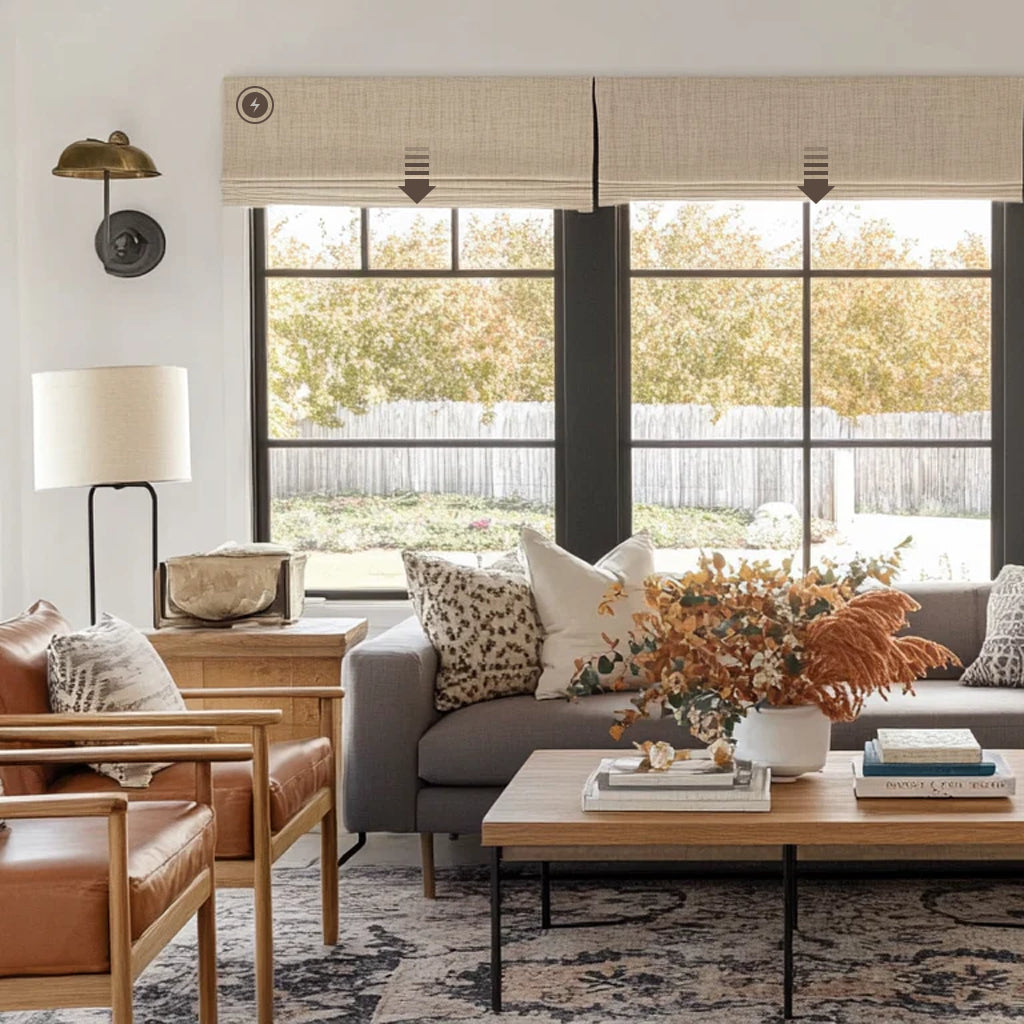
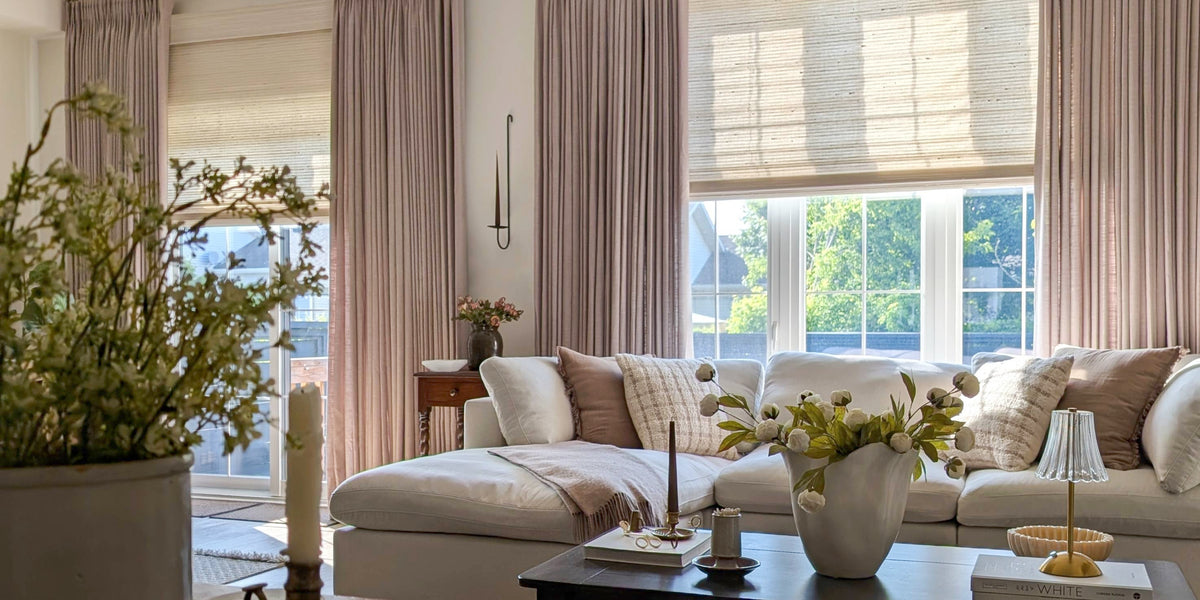
Motorized Roman ShadesMatterSee compatible devicesView product
 Motorized Handwoven ShadesMatterSee compatible devicesView product
 Motorized Roller ShadesMatterSee compatible devicesView Bodi product
 Tatum Motorized TrackMatterSee compatible devicesView product
 Rylan · Plug‑inMatterSee compatible devicesView product
Rylan · Rechargeable BatteryZigbeeSee compatible devicesView product
If your product uses Matter
Choose a compatible controller for the smart-home app you already use. Check the model of your controller, since features vary by device and platform.
| Smart-home system | Controller examples | How it works |
|---|---|---|
| Apple Home | HomePod mini · HomePod (2nd gen) Compatible Apple TV 4K iPhone 15 Pro / Pro Max or later with iOS 18+ | Pair and control locally in Apple Home. For away-from-home control and automations, add a Thread-enabled HomePod or Apple TV. |
| Google Home | Nest Hub (2nd gen) · Nest Hub Max Nest Wifi Pro | Pair in the Google Home app with a compatible controller. |
| Amazon Alexa | Compatible Echo and Echo Show models | Pair in the Alexa app with a compatible controller. |
| SmartThings | Aeotec Smart Home Hub · SmartThings Station | Pair in the SmartThings app with a compatible controller. |
No compatible controller at home? Add the Cozyology Hub to connect your motorized shades and control them in the Smart Life app.
See the Cozyology HubIf your product uses Zigbee
The current Rylan rechargeable-battery option uses Zigbee. Pair it through a compatible Zigbee controller to use an app, or operate it separately with its remote. Check the controller model before ordering.
Zigbee controller examples
Amazon AlexaEcho (4th Gen), Echo Hub, Echo Plus (2nd Gen), selected Echo Show and Echo Studio models
Amazon eeroSelected eero 6, 7 and Pro models
SmartThingsAeotec Smart Home Hub
Home AssistantYellow, or Green with Connect ZBT-2
Google Nest devices do not include a Zigbee controller. To use Google Home with a Zigbee motor, connect through a compatible hub.
No Zigbee controller at home? Add the Cozyology Hub to connect your motorized products and control them in the Smart Life app.
See the Cozyology Hub
One Hub for Cozyology Motorization
Our Hub works with all Cozyology motorized products, including Matter and Zigbee configurations.
- Smart Life appOpen, close, and adjust supported shades from your phone.
- SchedulesSet your shades to open and close on a schedule.
- In-app voiceUse Smart Life’s microphone for supported motor commands. No smart speaker is needed.
Connect the Hub to a 2.4 GHz Wi-Fi network.
View the Cozyology HubWays to automate with Smart Life
Choose what starts a scene for your shades.
- One tapRun a scene whenever you choose.
- Device statusRespond when a connected device changes.
- ScheduleOpen or close at a set time.
- WeatherRespond when conditions change.
- LocationRun a scene when you leave or arrive.
- Arm modeRespond to a security-mode change.
- AlarmRun a scene when an alarm triggers.
- Disaster warningRespond to an available warning.
- Third-party servicesUse an event from a linked service.
Device, security, and service triggers need the corresponding Smart Life setup. View the Smart Life screen